ERPNext Walkthroughs Selling
Pick the price from any price list
Click an item's Rate on a quotation and choose its price from each selling price list, or type your own.
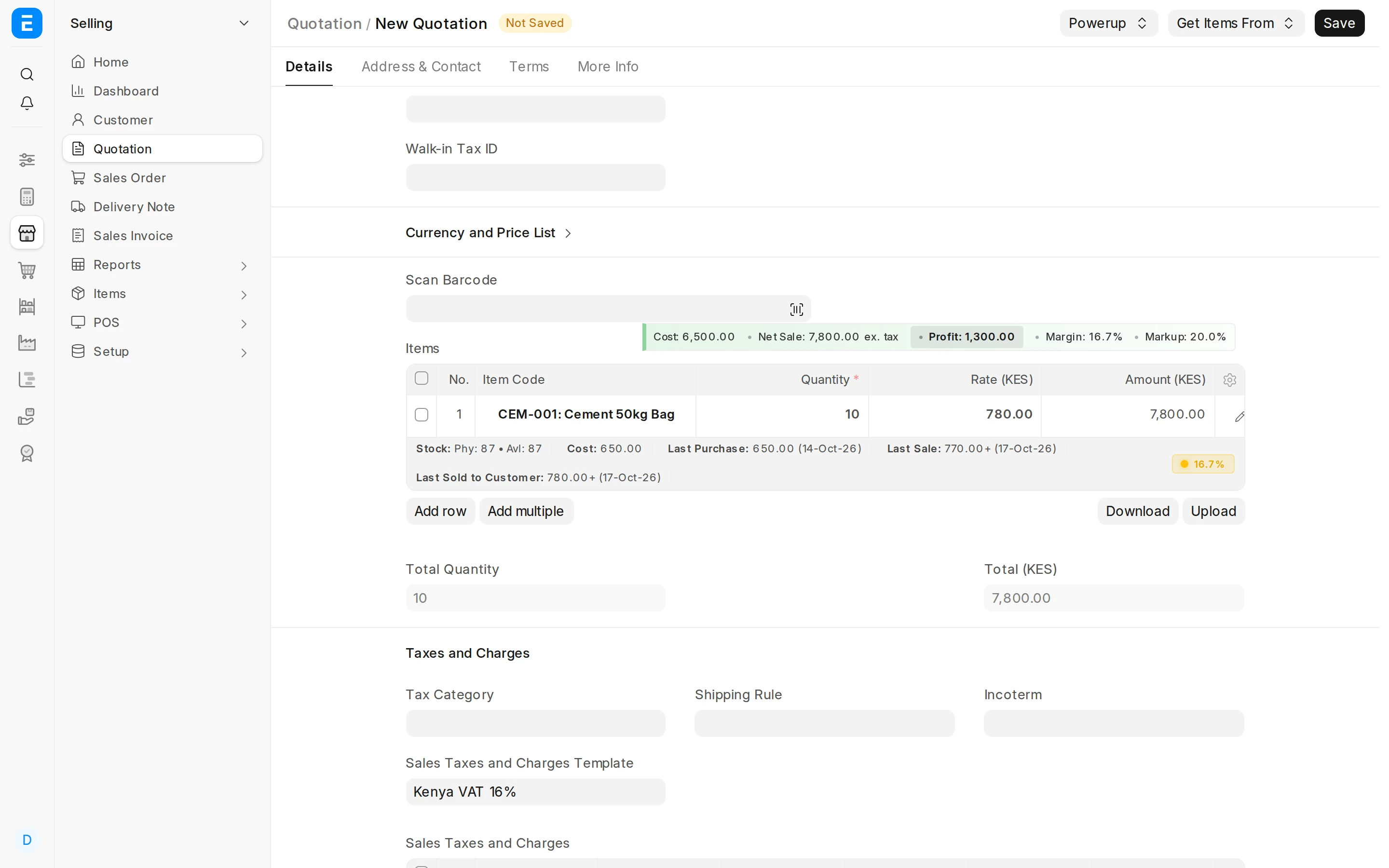
Step 1 of 6
Start a quotation with an item
Open a new Quotation, choose the customer and add an item in the Items table.
Arrow keys or space also move through the steps.
Steps
-
Open a new Quotation, choose the customer and add an item in the Items table.
-
Click the Rate cell of the row.
-
A small list opens under the cell: the item's price on each selling price list, plus a Custom Price box where you can type your own.
-
Click Wholesale to price this row from that list.
-
The Rate now carries the Wholesale price and the row amount follows. Nothing is saved until you save the quotation.
-
With the cursor in Rate, Alt+Down opens the list, Up and Down move through it, Enter picks a line and Esc closes the list.