ERPNext Walkthroughs Selling
Field Sales: a rep's day on the phone
Start the day on the van, pick today's route, see which shops are due, check in at a shop and make a sale paid in cash.
Step 1 of 10
Start the day
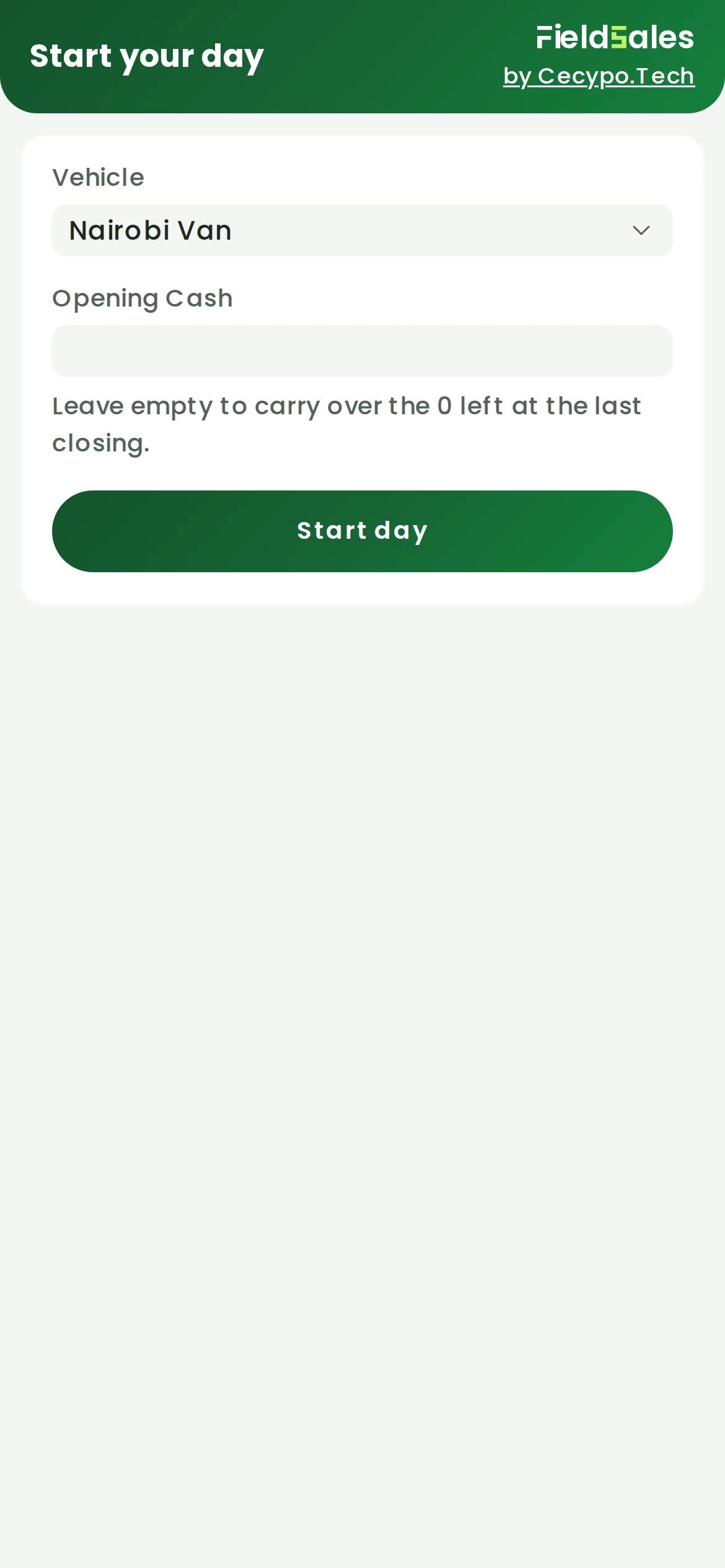
The rep opens Field Sales on the phone. Vehicle is the van they drive. Leave Opening Cash empty to carry over what was left at the last closing, then press Start day. This opens the van's POS session in ERPNext.
Arrow keys or space also move through the steps.
Steps
-
The rep opens Field Sales on the phone. Vehicle is the van they drive. Leave Opening Cash empty to carry over what was left at the last closing, then press Start day. This opens the van's POS session in ERPNext.
-
The day starts on the route planned for this weekday. Press Change to pick another.
-
Where are you going today? lists every route, the one planned for today first and marked planned. Tap a route to set it, or Skip.
-
Today shows the sales so far, the money the van should hold for each payment method, and how many shops are due. Tap Shops due to see who.
-
Due today lists the shops worth calling on and why: money owed, past their usual reorder gap, or gone quiet, with how far away each one is. Tap a shop to open it.
-
Opening the shop checks the rep in where they stand; a sale needs them within the distance the office sets. Choose New sale, or No sale and give the reason.
-
Add item lists the van's stock with each price and how many are free to sell. Tap an item to put it in the cart.
-
The cart shows an estimated total; final prices are set when the sale is saved. Take payment invoices it now, and Place order saves it as an order instead.
-
Total due includes tax, and the cash box starts at the full amount. Change it for a part payment, or use M-Pesa to send a prompt to the customer's phone or Till for money already paid to the till. Then press Save invoice.
-
The invoice is saved. Rate the visit if you like, Share the invoice with the shop, and press Done to finish the visit.