ERPNext Walkthroughs Reports
Financial reports from the Chart of Accounts
Open the General Ledger, Profit and Loss and Cash Flow reports straight from the Chart of Accounts, and see what each one answers.
Step 1 of 5
Open the Chart of Accounts
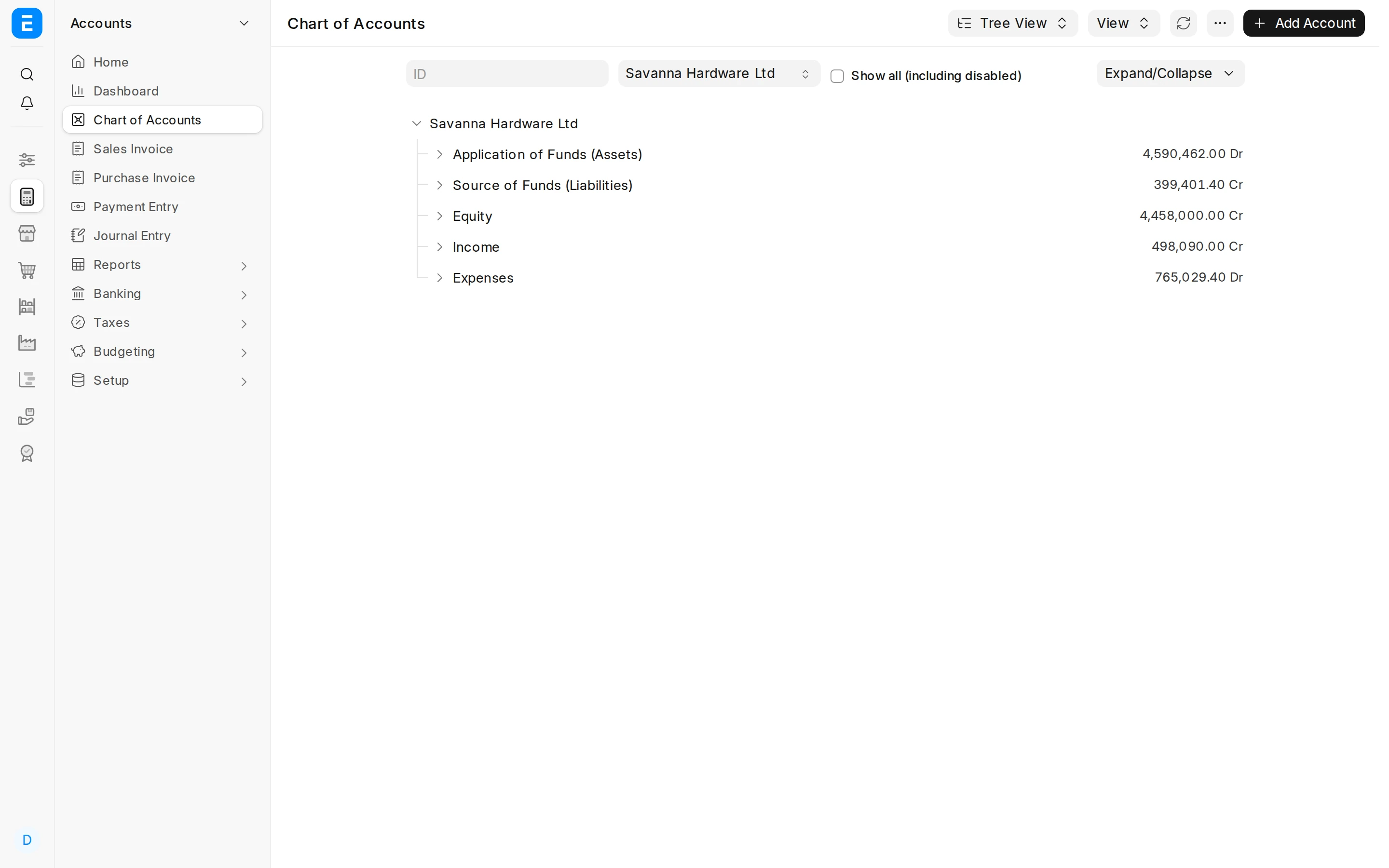
Open Chart of Accounts. Besides the account tree, its View menu is the quickest way into the main financial reports.
Arrow keys or space also move through the steps.
Steps
-
Open Chart of Accounts. Besides the account tree, its View menu is the quickest way into the main financial reports.
-
Below the divider, View lists Trial Balance, General Ledger, Balance Sheet, Profit and Loss Statement, Cash Flow, Accounts Payable and Accounts Receivable. Each opens with the company you are looking at already chosen.
-
General Ledger lists every accounting entry in the period, with its debit, credit and running balance. Choose one Account to see exactly what happened to it.
-
Profit and Loss Statement sets income against expenses for the fiscal year and shows the profit or loss that is left.
-
Cash Flow shows the cash that came in and went out, split into operations, investing and financing. Profit and cash are not the same thing; this report starts from the profit and shows where the difference went.