ERPNext Walkthroughs
Short click-throughs of real ERPNext screens: what to click, in what order, and what happens. Pick one and step through it at your own pace, or press Autoplay and watch.
How the documents connect
Accounts 5 walkthroughs
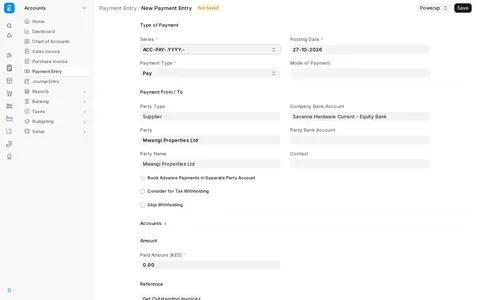
Pay a supplier with Kenya withholding
Requires: Cecypo PowerPackPay a supplier with Kenya withholding tax worked out for you, then pay the withheld amount to KRA in one entry.
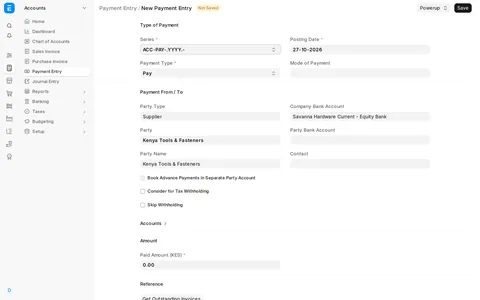
Withholding on a supplier deposit
Requires: Cecypo PowerPackPay a supplier a deposit against a Purchase Order with Kenya withholding worked out, then see it follow the Purchase Invoice to KRA, or release it when no invoice will come.
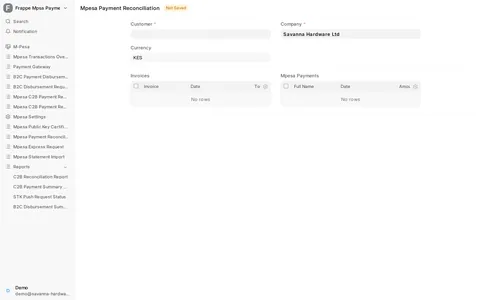
Match M-Pesa receipts to invoices at your desk
Requires: M-Pesa PaymentsMatch Paybill receipts that nobody has applied to an unpaid invoice, from one screen, and let the system book the payment.
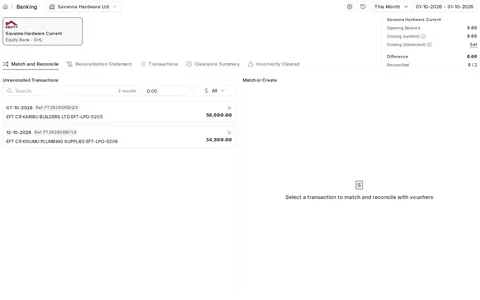
Match your bank statement to payments
Match each bank statement line to the payment already booked in ERPNext, and see it marked reconciled.
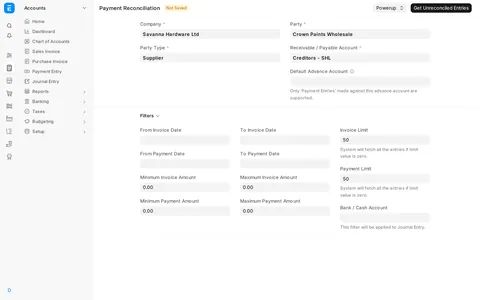
Reconcile a payment by hand with Zero Allocate
Requires: Cecypo PowerPackSpread one supplier payment over the invoices you choose, amount by amount, instead of the oldest-first allocation, and add a supplier's statement lines by pasting them.
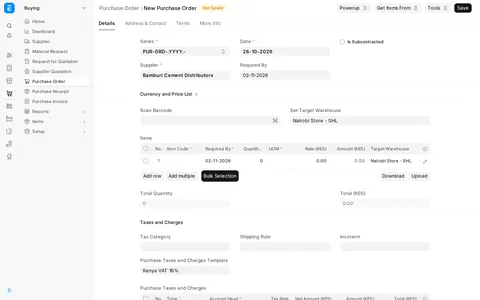
Buying 1 walkthrough
Selling 11 walkthroughs
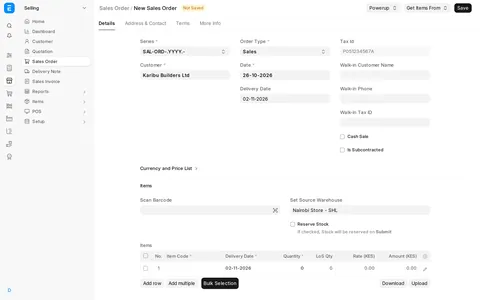
PowerPack tour: faster selling, buying and pricing
Requires: Cecypo PowerPackPowerPack adds shortcuts to ERPNext: fill a sales order from a list, pick a price per line, take payment on the order, set selling prices while you buy, search items by any words and reprice many items at once.
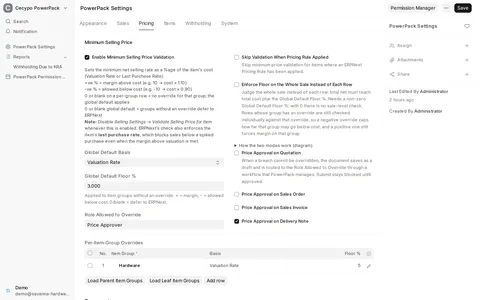
Minimum Selling Price: a floor under every sale
Requires: Cecypo PowerPackSet a floor for selling prices as a percentage above cost, see a sale below it refused, and see how a price approval request is sent to the person who may allow it.
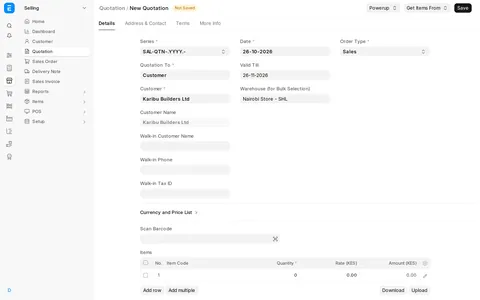
See stock, cost and margin while you quote
Requires: Cecypo PowerPackAdd items to a quotation and see stock, cost, recent prices and the margin under every row, without leaving the form.
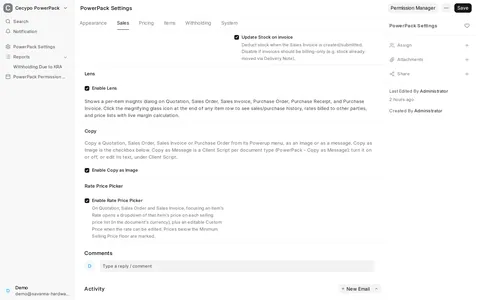
Copy a document as an image or a message
Requires: Cecypo PowerPackSend a quotation, order or invoice on WhatsApp in one click: copy the print as a picture or a short message with a link, from the Powerup menu on the form and on the print preview.
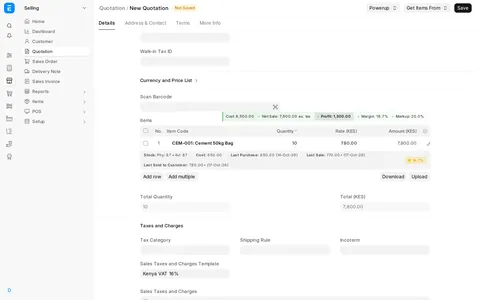
Pick the price from any price list
Requires: Cecypo PowerPackClick an item's Rate on a quotation and choose its price from each selling price list, or type your own.
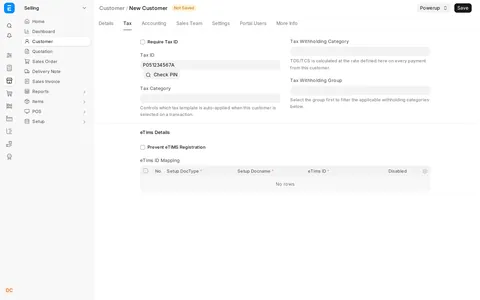
KRA PIN checks: duplicates and the name from KRA
Requires: Cecypo PowerPackPowerPack warns before a second customer gets a Tax ID that is already used, and the KRA PIN checker fills in a walk-in buyer's registered name from the PIN, at the till and on the desk.
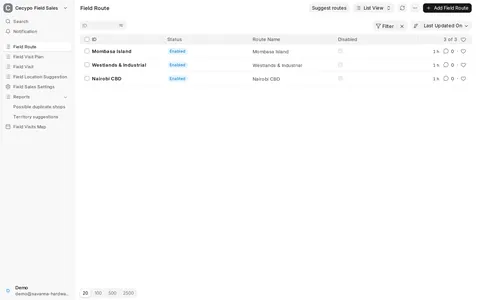
Field Sales: routes and visit plans
Requires: Field SalesSet up the areas each van covers on which weekdays, let Field Sales draft routes from past visits, and plan a van's day with the shops that are due.
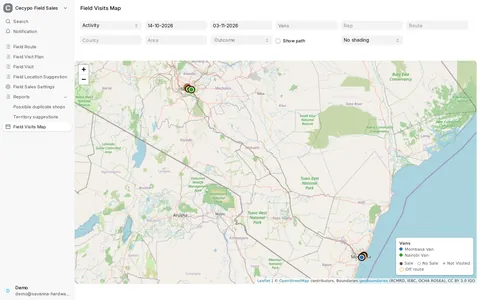
Field Sales: the visits map
Requires: Field SalesSee where each van went and what it sold, which shops have not been visited for a while, which areas sell most, and how a van's day compared with its plan.
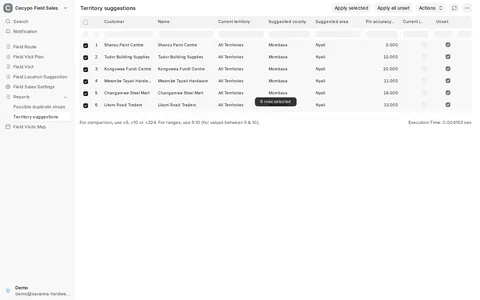
Field Sales: territories from pins, and duplicate shops
Requires: Field SalesSet each shop's territory from where it is pinned, and find shops that were added twice so you can merge them into one customer.
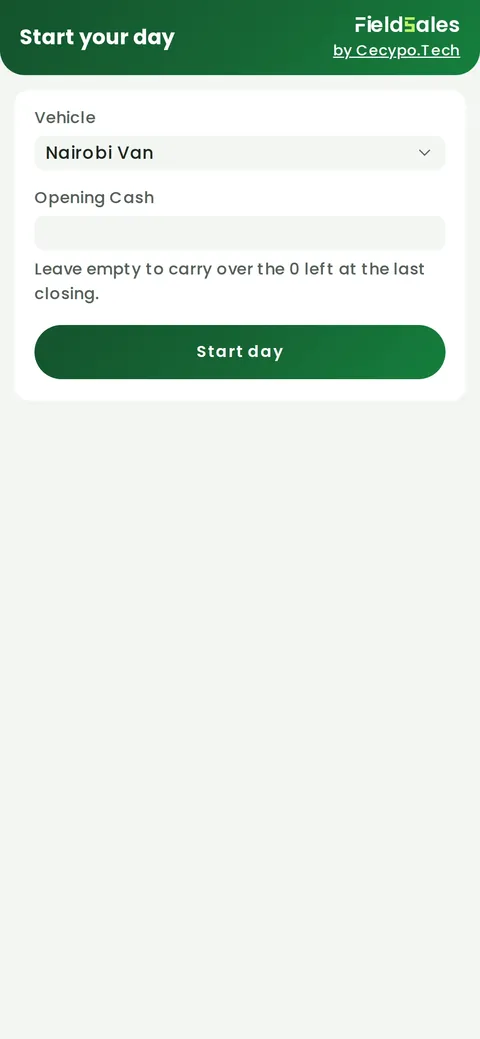
Field Sales: a rep's day on the phone
Requires: Field SalesStart the day on the van, pick today's route, see which shops are due, check in at a shop and make a sale paid in cash.
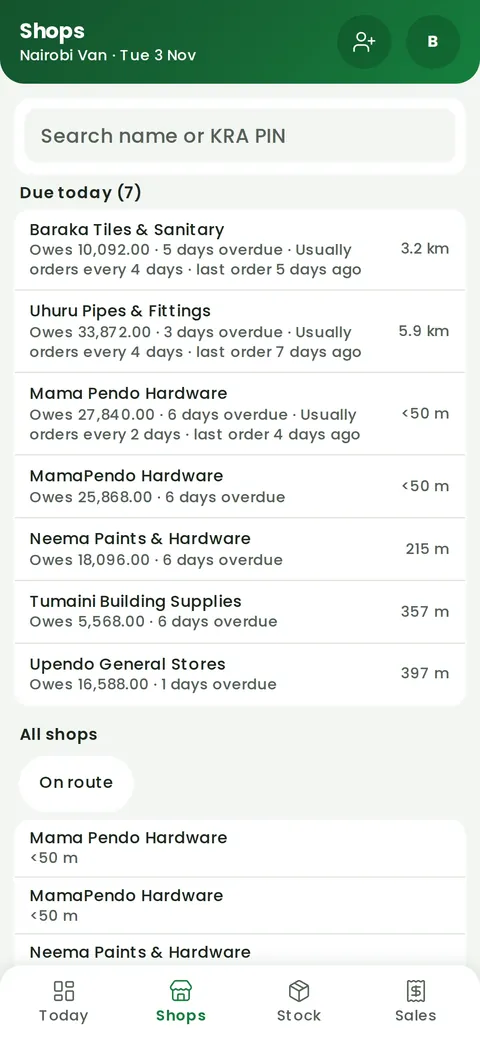
Field Sales: add a new shop from its sign
Requires: Field SalesAdd a shop on the phone: photograph its sign to fill in the name, phone and address, and pin it where you stand or leave the pin for the first visit.
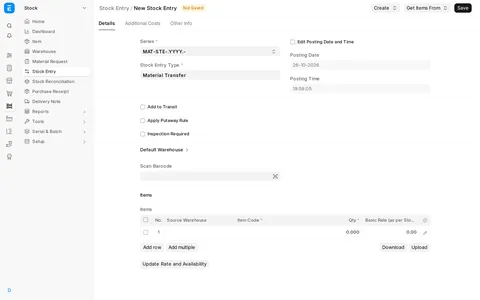
Stock 1 walkthrough
POS 5 walkthroughs
Getting around KLiK POS
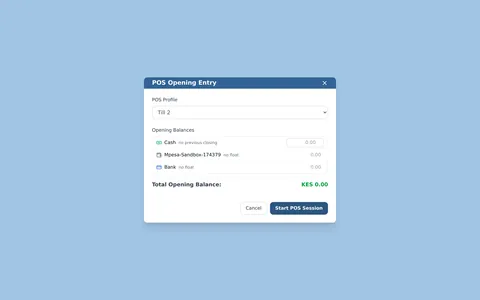
Requires: KLiK POSOpen or join a shift, find invoices, copy a held order to send to a customer, and see where a shift is closed.
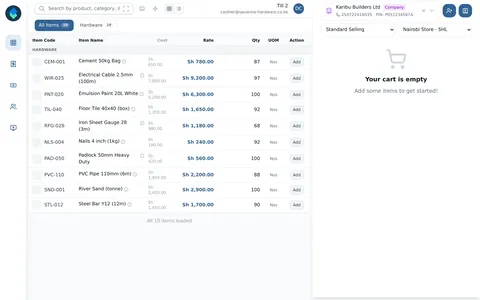
Selling with M-Pesa
Requires: KLiK POSAdd a new customer with an LPO number, build a cart, then take payment by an M-Pesa STK push or by matching a payment already received.
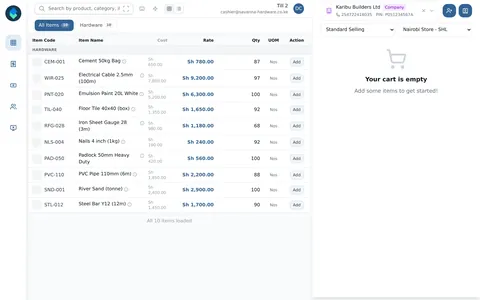
Returns and store credit
Requires: KLiK POSReturn a cash sale and an M-Pesa sale from invoice history and see what happens to the money, then pay a new sale with the credit note by entering its voucher numbers.
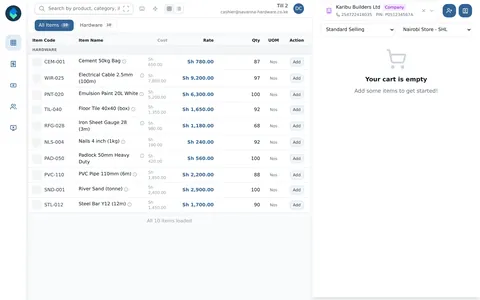
Power-user features
Requires: KLiK POSSwitch price list and store, price one item from every list with the star key, and sell quickly with the keyboard shortcuts.
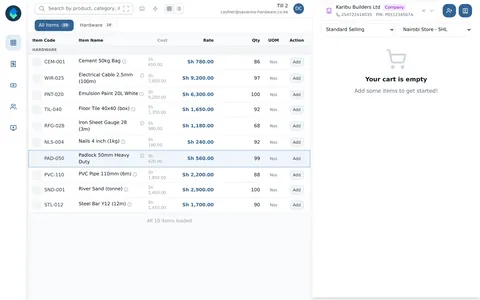
Closing the day on KLiK POS
Requires: KLiK POSCount each payment mode against what KLiK expects, choose how much cash goes to the bank, and close the shift.
Reports 4 walkthroughs
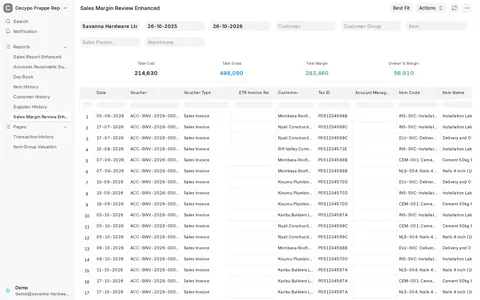
Weekly manager reports: sales margin and receivables ageing
Requires: Cecypo ReportsReview what the business earned on its sales and who owes it money, with the Sales Margin Review and Accounts Receivable Summary reports.
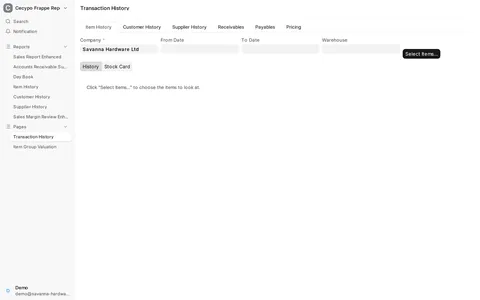
Transaction History: everything about an item on one screen
Requires: Cecypo ReportsLook up any item's purchases, sales, open orders and stock movements in one place, with the Transaction History page.
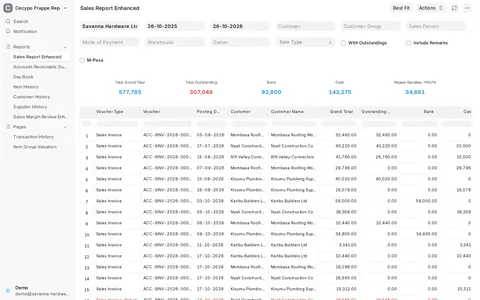
Sales Report Enhanced: every sale and how it was paid
Requires: Cecypo ReportsSee each sales invoice with what was paid in cash, M-Pesa or bank side by side, the totals per payment mode and what is still owed, with the Sales Report Enhanced report.
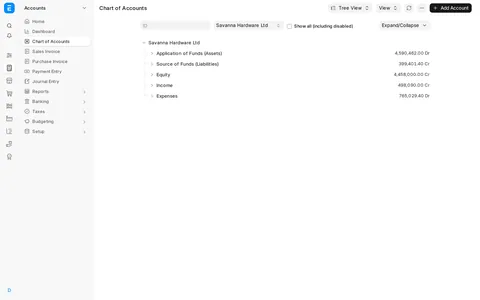
Financial reports from the Chart of Accounts
Open the General Ledger, Profit and Loss and Cash Flow reports straight from the Chart of Accounts, and see what each one answers.