ERPNext Walkthroughs Accounts
Pay a supplier with Kenya withholding
Pay a supplier with Kenya withholding tax worked out for you, then pay the withheld amount to KRA in one entry.
Step 1 of 12
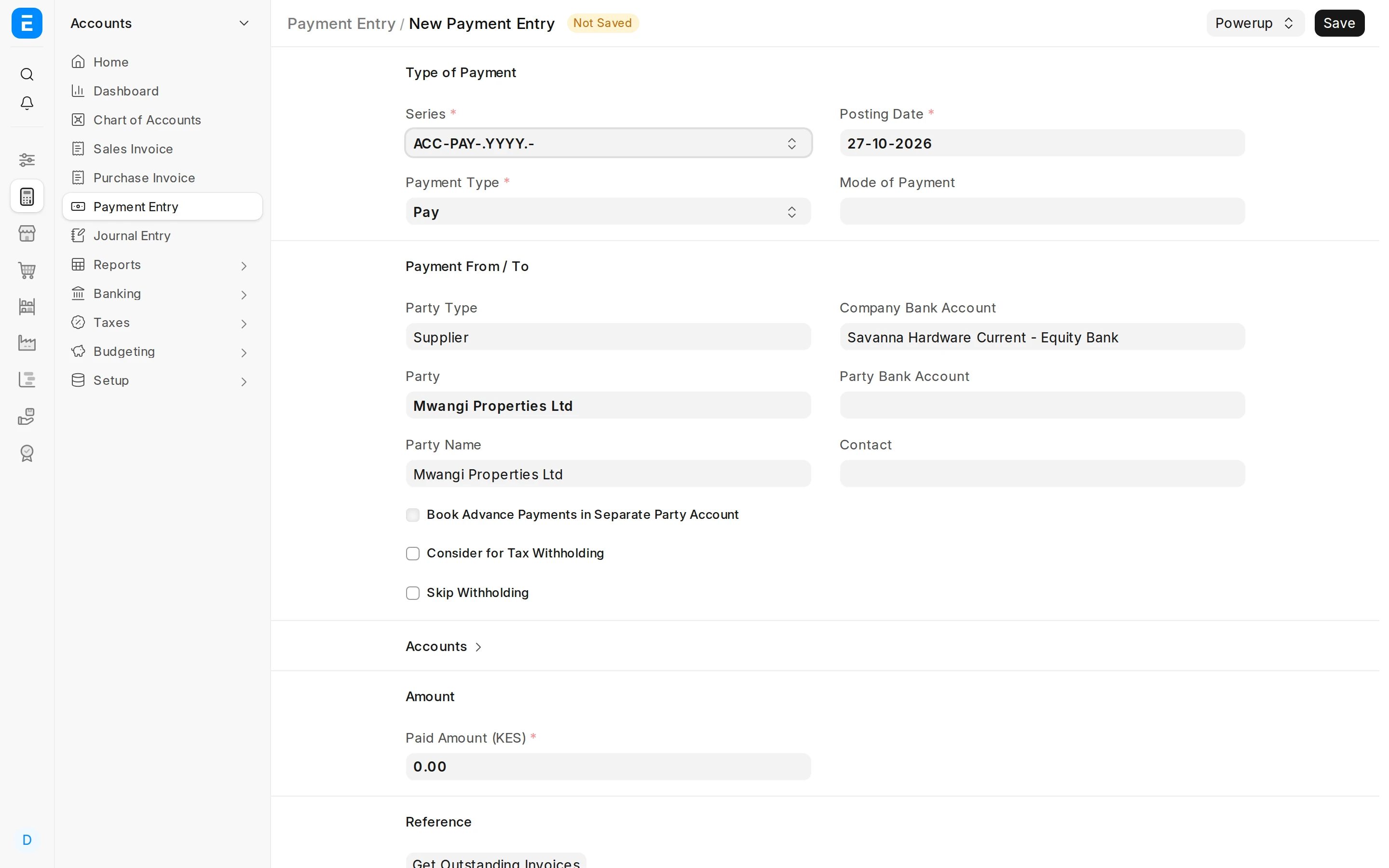
Start a supplier payment
New Payment Entry: Payment Type Pay, Party Type Supplier, pick the supplier and the bank to pay from.
Arrow keys or space also move through the steps.
Steps
-
New Payment Entry: Payment Type Pay, Party Type Supplier, pick the supplier and the bank to pay from.
-
The button is there straight away — no need to type a paid amount first. Click it.
-
Each invoice is allocated its full outstanding. Lower an allocation for a part payment or a dispute — the withholding follows.
-
Withholding Details: one row per invoice and rule, with the base (excl. VAT), the rate and the amount — rounded up the way iTax does.
-
The bank pays the balance. Withheld sits beside Paid Amount so you can see the split while picking invoices.
-
The withheld amount goes to the withholding account as a deduction. No separate journal to move it.
-
Save, then Submit. The supplier is paid net, and the withheld amount is now due to KRA.
-
Report Withholding Due to KRA: a card per account with the unpaid total. Red means something is past its due date.
-
Tick the rows going into this KRA payment, usually one account at a time. The Selected card adds them up as you go: that is the amount for the iTax PRN.
-
With the rows still ticked, click Export iTax CSV. It downloads the VAT rows for the iTax upload. iTax gives you a PRN: that is what you enter in Issue Payment, next.
-
Click Issue Payment.
-
Pick the bank, enter the PRN and date. One Journal Entry pays KRA, and the rows move to Paid so they can never be paid twice.