ERPNext Walkthroughs Accounts
Match M-Pesa receipts to invoices at your desk
Match Paybill receipts that nobody has applied to an unpaid invoice, from one screen, and let the system book the payment.
Step 1 of 11
Open the M-Pesa reconciliation screen
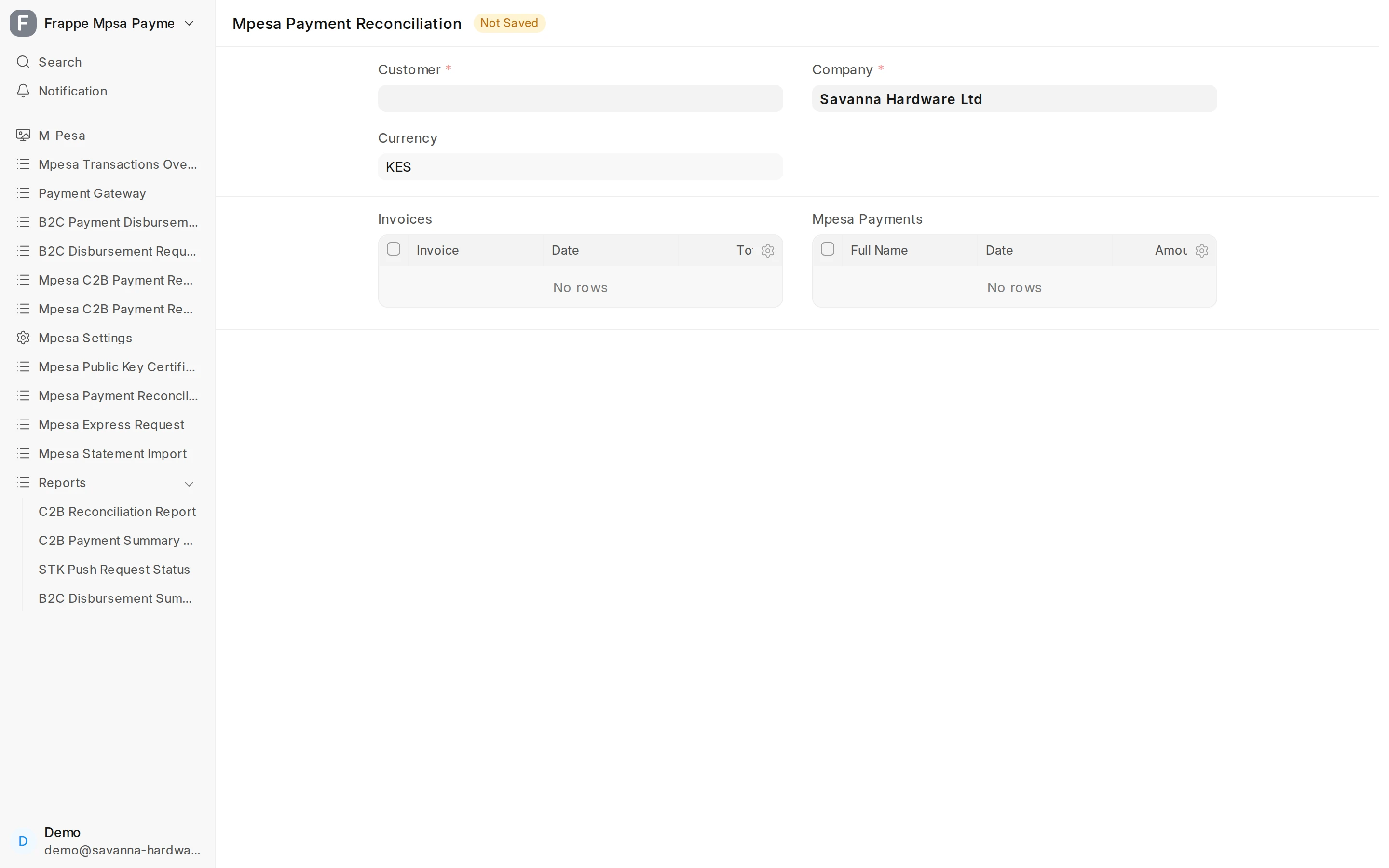
Search Mpesa Payment Reconciliation. It matches money that arrived by Paybill with the invoices still unpaid. Pick your Company and the Customer.
Arrow keys or space also move through the steps.
Steps
-
Search Mpesa Payment Reconciliation. It matches money that arrived by Paybill with the invoices still unpaid. Pick your Company and the Customer.
-
The customer decides which unpaid invoices are listed. Here it is a customer with one open invoice.
-
Click Get Unreconciled Entries. It fills both tables below.
-
Invoices lists this customer's submitted invoices that still have an outstanding amount, with the total and what is left to pay.
-
Mpesa Payments lists all M-Pesa receipts of the company that are still drafts, not only this customer's. Match them by the payer's name, date and amount.
-
Type part of the payer's name in Full Name, then click Get Unreconciled Entries again to narrow the list.
-
Tick the invoice this payment settles.
-
Then tick the receipt that paid it. You need at least one of each before you can allocate.
-
Click Allocate. Each ticked receipt becomes a submitted Payment Entry for this customer, and it is reconciled against the ticked invoices.
-
The paid invoice is gone from Invoices, and the receipt is no longer a draft. Other customers' receipts are still waiting for their own match.
-
Open the new Payment Entry. Its Payment References table shows the invoice the receipt paid, for the full amount.